
Why stock control matters in Eldoret
Small shops lose sales when items run out. Counting by hand takes time. If you run two or three shops, missing stock at one location can be hidden until a customer asks. That costs money and time.
How Dukatools helps shop owners
Below are the main features and what each one lets you do.
Per-shop stock counts
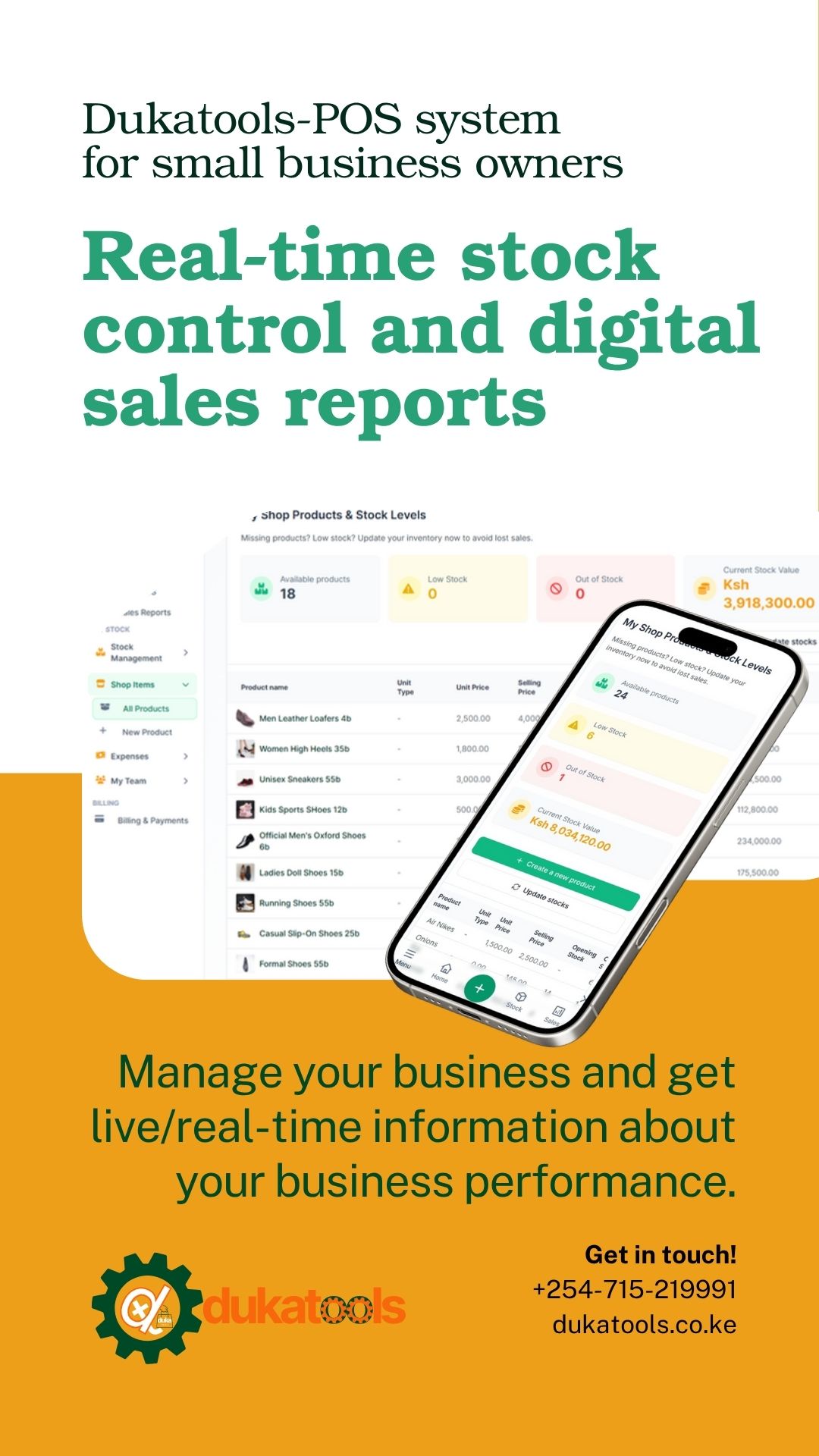
See item quantities for each shop. Check stock before you promise a sale.
Central dashboard
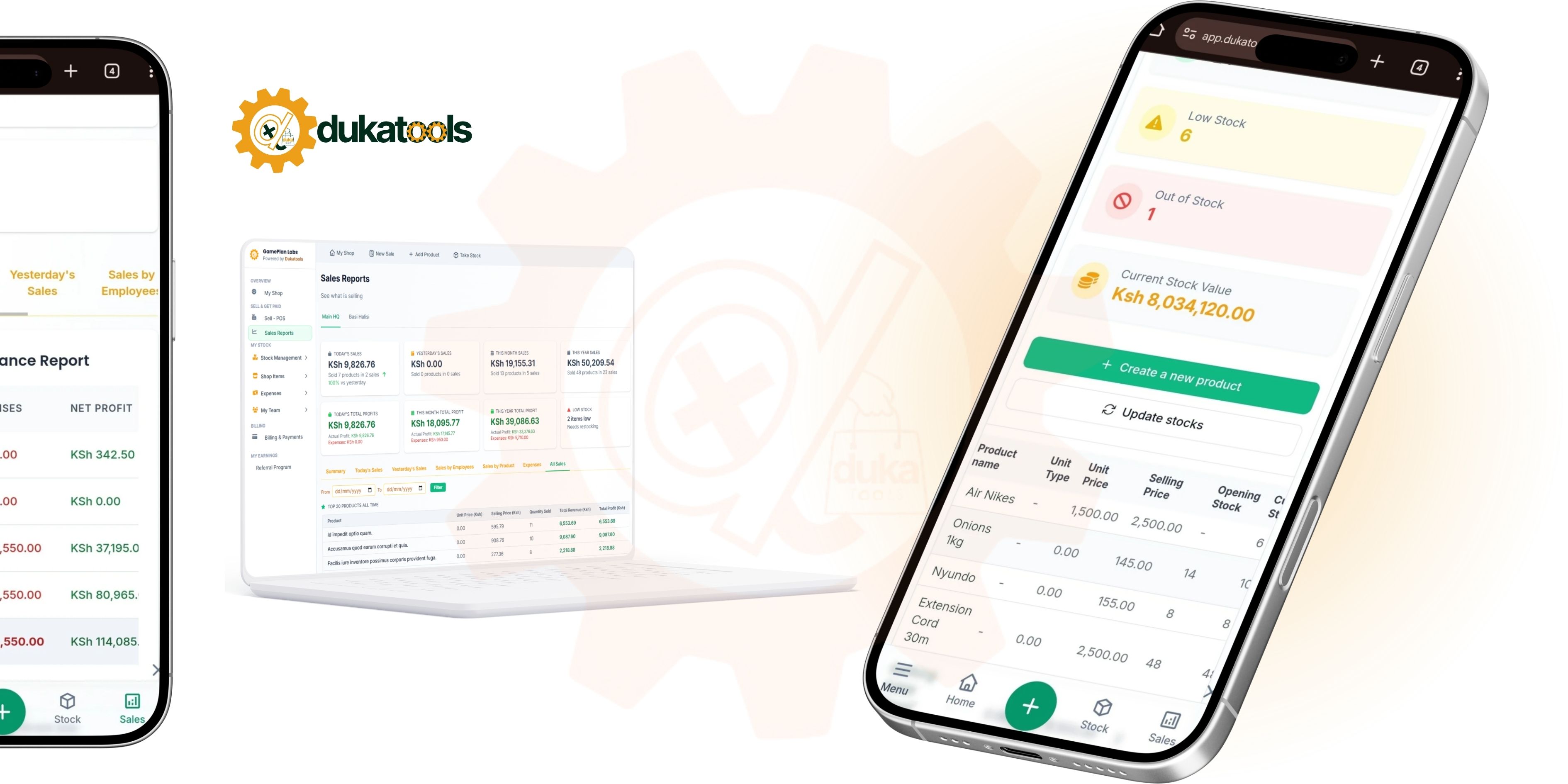
Open one screen and view totals for all your shops. Save time and reduce logins.
Low-stock alerts
Set minimums and get a list of items to reorder. Stop losing sales to empty shelves.
Stock transfers
Move stock between shops and keep records so your counts stay correct.
Sales and M-Pesa reconciliation
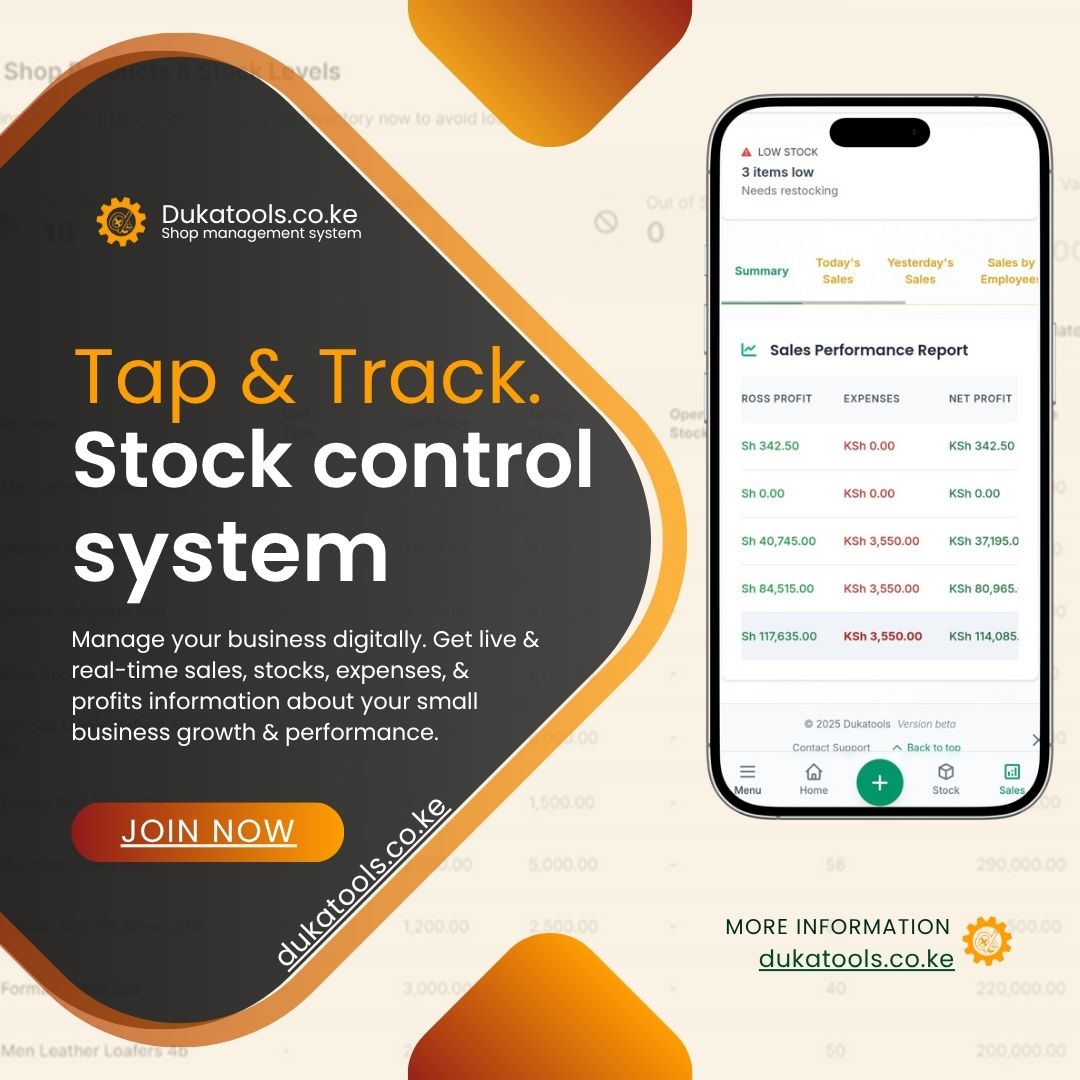
When you record a sale, the stock reduces automatically. That saves time and prevents mismatches at the end of the day. Link M-Pesa sales so numbers match your sales records.
Day-to-day examples
Practical tasks that become faster with the system.
- Morning check: Look at low-stock lists and order what you need.
- Busy sale: Record the sale and the system reduces stock instantly.
- Move stock: Transfer items between shops and update both records.
Set up stock control in minutes
- Add your shops to your account and give them names you recognise.
- Add products one by one or import a CSV for many items.
- Set low-stock levels for fast sellers and items that sell slowly.
- Use the POS for sales so stock updates automatically.
- Check reports daily or weekly to spot trends and errors.
Start small, scale when ready
Begin with the free plan to test stock features. When you need more shops or advanced reports, check the pricing page to upgrade. Start small and add shops as your business grows.
Support and help
If you need help, use the support chat on WhatsApp or visit the help center. The team can show you how to import products, set alerts, or run reports best suited to your shops.
Common concerns
- Will this work on a basic Android phone?
- Yes. The app runs on common Android phones. Use the web app on a browser if your device is older.
- What if internet drops during the day?
- You can record many operations offline (depending on plan). Check the app help for offline support details and sync rules.
- Is my data safe?
- Your account data is private. Use a strong password and contact support if you spot suspicious activity.